
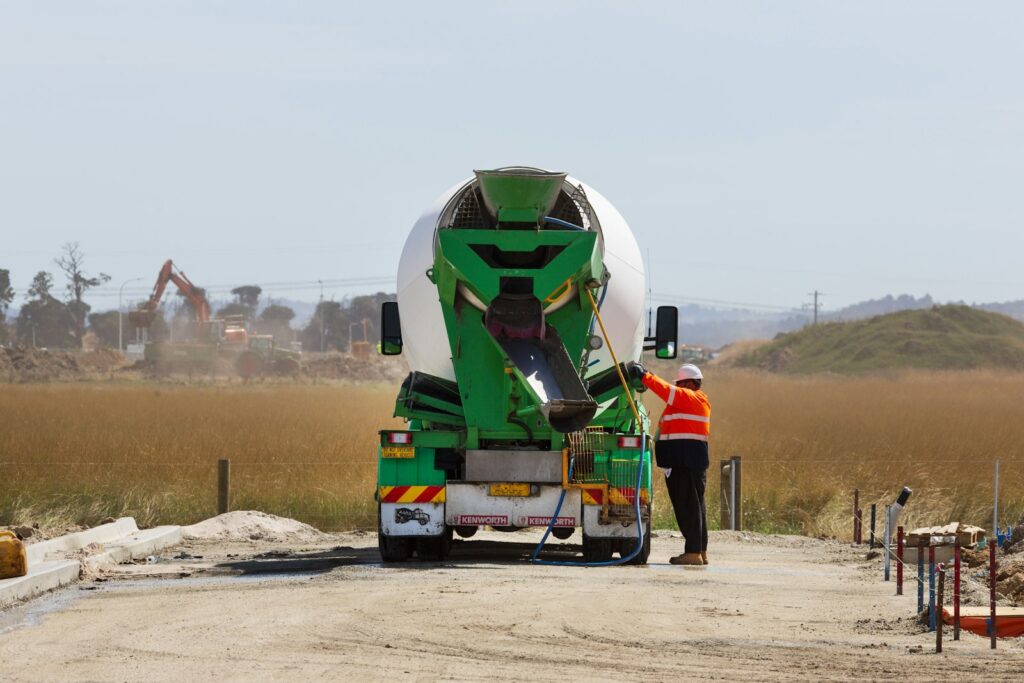
An RMC plant calls in the evening for twelve loads of 20mm tomorrow morning. A road contractor wants GSB spread over a week. A builder needs M-sand but only after the slab is cast. At most crushers, these orders live in the manager’s phone and memory, and the trucks are sent out in whatever order the drivers turn up.
That works until two large customers want material at the same time, or a regular RMC buyer runs short and switches to a competitor. This post explains how to book orders and schedule deliveries so the plant can keep its promises.
What an order should record
| Field | Why it matters |
|---|---|
| Party and delivery site | Links to the rate contract and freight for that site |
| Product and quantity | In tonnes, brass or loads, as agreed |
| Required date and time window | RMC plants often need morning deliveries before batching |
| Delivery or pickup | Your trucks, hired trucks or the customer’s own vehicles |
| Site contact | Name and phone for the driver to call on arrival |
| Rate and credit status | Checked when the order is booked, not when the truck is loaded |
| Priority | Contract customers before one-off buyers, when stock is short |
Checking credit at booking time matters. It is far easier to tell a customer before the order is accepted that payment is needed than to turn away a truck at the weighbridge. Our post on credit control explains how to set limits.
From orders to a daily dispatch plan
Every evening, the manager should be able to see tomorrow’s orders by product and compare them with:
- Stock in the yard for each product.
- Expected production for the day, based on normal tonnes per hour.
- Trucks available, own and hired, with their usual load size.
If orders for 20mm exceed stock plus expected production, the plant knows the night before and can either adjust the screen setup, call customers to move delivery, or prioritise contract customers. Our post on stock reporting covers stock by product.
Scheduling trucks
- Group deliveries by direction, so a truck does not cross town twice.
- Give RMC plants the early slots; they usually batch in the morning.
- Send the first load on time even if later loads slip. A customer who has started work is more patient than one still waiting for the first truck.
- Record each trip against the order, with weighment, slip number and time out. Our note on trip records covers the vehicle side.
Tracking an order to completion
Each dispatch reduces the open balance on its order. At any time you should be able to see, for every order, quantity booked, quantity delivered and quantity pending. A short daily list of pending orders helps the manager call customers before they call the plant.
When the order is complete, close it. Orders left open for months make the pending list useless.
Paperwork for each load
Every delivered load still needs its full set of documents: weighbridge slip, GST invoice, transit permit where your state requires one, and an e-way bill when the consignment value crosses the limit. Our posts on dispatch slips and e-way bills for aggregate cover these. Booking an order does not replace any of them; it simply means they are prepared against a known party, site and rate.
Delivery proof
For delivered loads, ask the site to sign or photograph the slip on arrival. A signed delivery slip settles most quantity disputes, especially with large contractors who receive many loads a day from several suppliers.
Frequently asked questions
Do walk-in customers need orders?
No. Cash buyers who arrive with their own truck can be weighed and billed directly. Order booking is for customers who need planned deliveries or large quantities over time.
Can customers book orders themselves?
Some plants let regular customers book through WhatsApp messages in a fixed format, which the office then enters. Keep the final booking in the system so stock and credit are checked.
Where this fits
Order booking works when stock, credit and dispatch are in one record. Quipu’s Stone Crusher and Quarry ERP takes weights from the weighbridge into dispatch slips and GST invoices, keeps party ledgers and credit limits, and tracks vehicles with GPS. Book a demo to see it with your customers.